
A household document system is not a binder full of every private fact it owns. It is a way to find the right current record, prove only what needs proving, reach the organization that owns the next decision, and recover after a loss without exposing an entire household at once.
That distinction matters during a rushed evacuation, a flooded home, a lost phone, a long outage, or the death or illness of a family member. A bag can be lost. A cloud account can be unavailable. An original document can be damaged. A relative may need help but have no authority to act. The practical answer is a small number of separate, named systems with different jobs.
This hub organizes those systems. It does not explain how to obtain legal authority, replace a particular record, make an insurance claim, or access another person’s account.
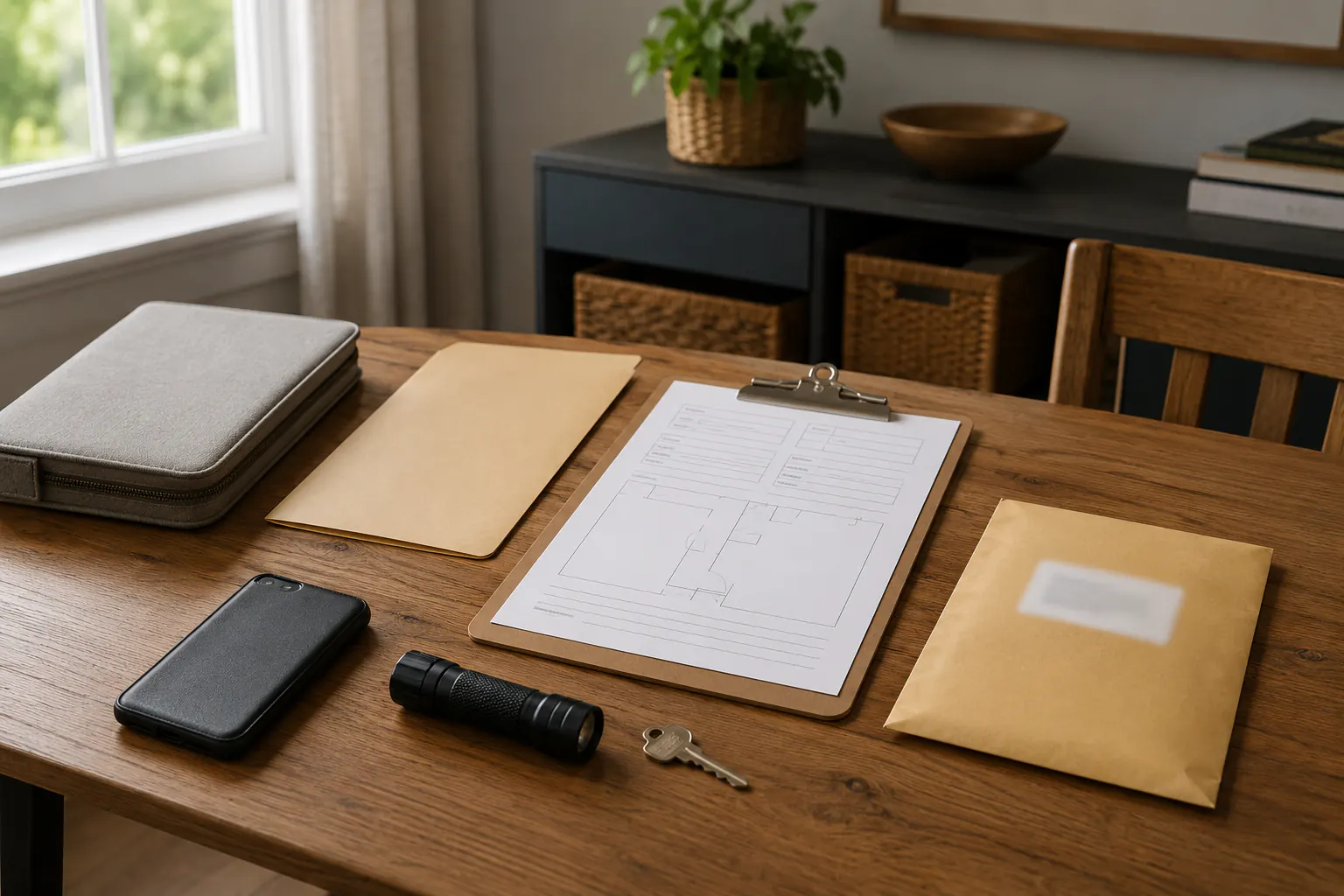
Use the right record system for the job
Keep four functions separate. Combining them creates a tempting but fragile single point of failure.
| System | What it is for | What it should not contain |
|---|---|---|
| Travel packet | The limited facts needed while leaving home and in the first days away | Every original record, complete account information, passwords, or recovery codes |
| Recovery archive | Detailed records that help a household replace property, contact institutions, and reconstruct its history | Items a traveler must carry at all times |
| Access-secret system | Passwords, recovery codes, encryption keys, and account-recovery controls | A casual household binder or unlocked device |
| Event record | Dated notes, photos, claim references, notices, and instructions from a specific disruption | A substitute for an insurer, public agency, or legal decision maker |
The evacuation document checklist owns the travel packet. It helps decide what a household can protect while moving, without treating the packet as a portable filing cabinet.
The digital-security family owns passwords, recovery codes, device security, backups, and account recovery. Start with essential credentials offline and secure when the issue is controlled access, and with the personal data backup coverage audit when the issue is whether copies can actually be restored.
This cluster owns the recovery archive: the map of records, their owners, their locations, their review date, and the human path for using them appropriately.
Use the Emergency Binder Section Planner only for the small operational layer: action cards, contact routes, record pointers, and a review log. It deliberately does not replace the archive or concentrate secrets in a binder that could be lost.
Build the archive around real recovery tasks
Do not begin by scanning every drawer. Begin with the questions a household would have to answer after a loss:
- Who lives here, who depends on whom, and who is the emergency contact?
- What home, vehicle, lease, insurance, utility, school, employer, care, or benefit relationship needs a current contact?
- Which record would be difficult or slow to replace?
- Which items need the original, a readable copy, a document number, or simply the issuer’s current replacement process?
- Who owns each record, and who is allowed to see or use it?
- Where is the controlled access information kept separately?
Use categories, not a copied list of sensitive details. The following inventory is a starting point for a private map; the paper and digital documents checklist turns it into a working item-by-item list, and the record protection guide covers keeping the vital, property, insurance, and care records in it safe before anything happens.
| Record category | Recovery purpose | Typical owner of the next decision |
|---|---|---|
| Identity and civil records | Confirm identity or request a replacement | Issuing government office or court |
| Home, lease, vehicle, and property records | Confirm a relationship, asset, or service location | Landlord, lender, title office, DMV, utility, or local office |
| Insurance and household inventory records | Start and support a claim | Insurer or program administrator |
| Financial and employment records | Continue essential payments or replace a card | Financial institution, employer, benefit office, or tax authority |
| Care, school, caregiving, and animal records | Continue a person’s or animal’s support plan | Clinician, pharmacist, school, supplier, veterinarian, or caregiver |
| Digital-device and account recovery records | Re-establish legitimate access | Account provider or device manufacturer through verified channels |
Do not store full account credentials, complete Social Security numbers, recovery codes, or a master password in the same easy-to-find document map. A map should tell the authorized person what exists, where the protected record is, and who to contact. It should not silently grant access.
Choose paper, protected digital copies, and originals deliberately
There is no universal answer to which format is best. Paper can work without power or a working phone. It can also burn, flood, be stolen, or become outdated. A digital copy can travel and be duplicated, but it depends on devices, power, account access, and the way it is protected. An original may be required for a particular transaction, but carrying it unnecessarily can create a serious replacement problem. Records are one part of a larger question — the offline emergency information plan covers everything else the household normally asks the internet for, from maps to local procedures.
For each record, decide privately:
- Is an original required often enough to justify controlled physical storage?
- Would a legible copy, photograph, or reference number help the issuer begin a replacement or service request?
- Is there a separate, protected digital copy that an authorized household member can reach from a different device?
- What is the replacement path if every household copy is lost?
- Has the household checked whether the record is still current?
The Consumer Financial Protection Bureau’s disaster-preparedness materials encourage households to organize financial records ahead of time and keep copies in separate locations. Use that principle as redundancy, not as a reason to multiply sensitive records without a purpose.
Keep physical records dry, reasonably protected from ordinary fire and water exposure, and away from places likely to flood, overheat, or attract casual access. Keep any container reachable without blocking an exit. A heavy box that only one person can lift, hidden behind a storage pile, is not an accessible recovery system.
For digital records, the secure digital copies guide covers making protected copies without overexposing them, and the wider security practices live in digital security and data backup for emergency continuity. A scanned document on an unlocked phone is convenient but may be the wrong tradeoff for a highly sensitive record. A protected copy that nobody can locate or open is also not enough. Test a small, non-sensitive sample from the route the household expects to use.
Make access humane and controlled
An emergency can expose a painful gap: one adult knows where everything is, but another adult, caregiver, or executor cannot tell what exists or whom to contact. Solve that with a limited access plan, not with an informal promise to “just use my account.” The trusted-household-member access guide walks through granting exactly enough access and nothing more.
Name the people who may need to locate a record, and write down what they may do. Examples include finding an insurer’s phone number, bringing a packet to a hospital, knowing where a lease copy is stored, or calling a utility. Authority is not assumed because someone is a spouse, adult child, roommate, caregiver, or close friend. Institutions, state rules, account terms, care arrangements, and the document itself control.
Keep the plan proportionate:
- name an out-of-area contact and a local backup contact where appropriate;
- record how each person can verify a request through a known phone number, app, or office;
- identify the owner and review date for each important file;
- give a trusted person a way to locate the access-secret system without printing its contents in the archive;
- revise the plan after a move, divorce, death, new dependent, new device, changed insurer, or changed caregiver;
- remove old copies and former contacts when they no longer have a role.
Use a family communication plan for meeting places, contacts, and message routines. It is deliberately different from an authority or account-access plan.
Create an event file after the disruption begins
Once a disruption occurs, stop trying to perfect the archive. Open a separate event file. It can be a dated paper folder, a protected digital folder, or both.
Record only what will help the next legitimate conversation:
- the event date and time window;
- official notices, evacuation orders, utility status, or access restrictions;
- claim, case, service-ticket, or report reference numbers;
- names, verified contact channels, and dates of material conversations;
- photographs and inventory notes taken only from a safe, authorized position;
- receipts and approved temporary-repair records when the insurer or program requests them;
- unanswered questions and the promised follow-up date.
For flood-related evidence, use how to document flood damage for an insurance claim. It owns the safety boundary, insurer instructions, and claim-specific record. A recovery archive can make that work easier; it cannot establish coverage or make an unsafe building safe to enter.
Medical, medication, device, and care decisions have their own limits. Use medical device and medication continuity for the right clinician, pharmacy, supplier, and manufacturer escalation path rather than relying on an old document copy.
Keep the archive current with a short review
The archive becomes useful through modest maintenance, not one dramatic organizing day. The annual document review checklist turns this into a repeatable routine; once or twice a year, or after a meaningful household change, check:
- names, addresses, phone numbers, insurers, providers, and policy references;
- whether the physical copies are legible, dry, and reachable;
- whether a protected digital copy still opens from the intended recovery route;
- whether the named contacts still understand their limited role;
- whether expired documents and obsolete devices have been removed from the map;
- whether the evacuation packet still reflects the people, animals, care needs, and destination options in the household.
Use the household account, contact, and document access map to turn that review into a private, browser-only worksheet. It records categories, roles, controlled locations, verified next contacts, review dates, and stop rules without asking for secrets. That small map is more useful than a drawer full of unexamined paper.