
Choose one service or document you are authorized to manage. Write a private, non-secret clue that would help you start recovery without your usual phone: the provider’s name, the account’s general purpose, and the official support route. Unknowns can stay blank. You do not need a new encrypted drive, a helper, or a complete password inventory to begin.
The note is not the recovery secret itself. Keep passwords, codes, keys, identifiers and necessary original documents in separately protected records. If access is already lost, a secret may be exposed, or you need urgent care, communication, financial reporting or organizational support, seek the relevant help before working through this guide.
Offline does not automatically mean secure. Paper can be photographed, drives can be lost, and encryption can leave you locked out when its unlock material is unavailable. Start with a useful instruction, not a traveling copy of every credential.
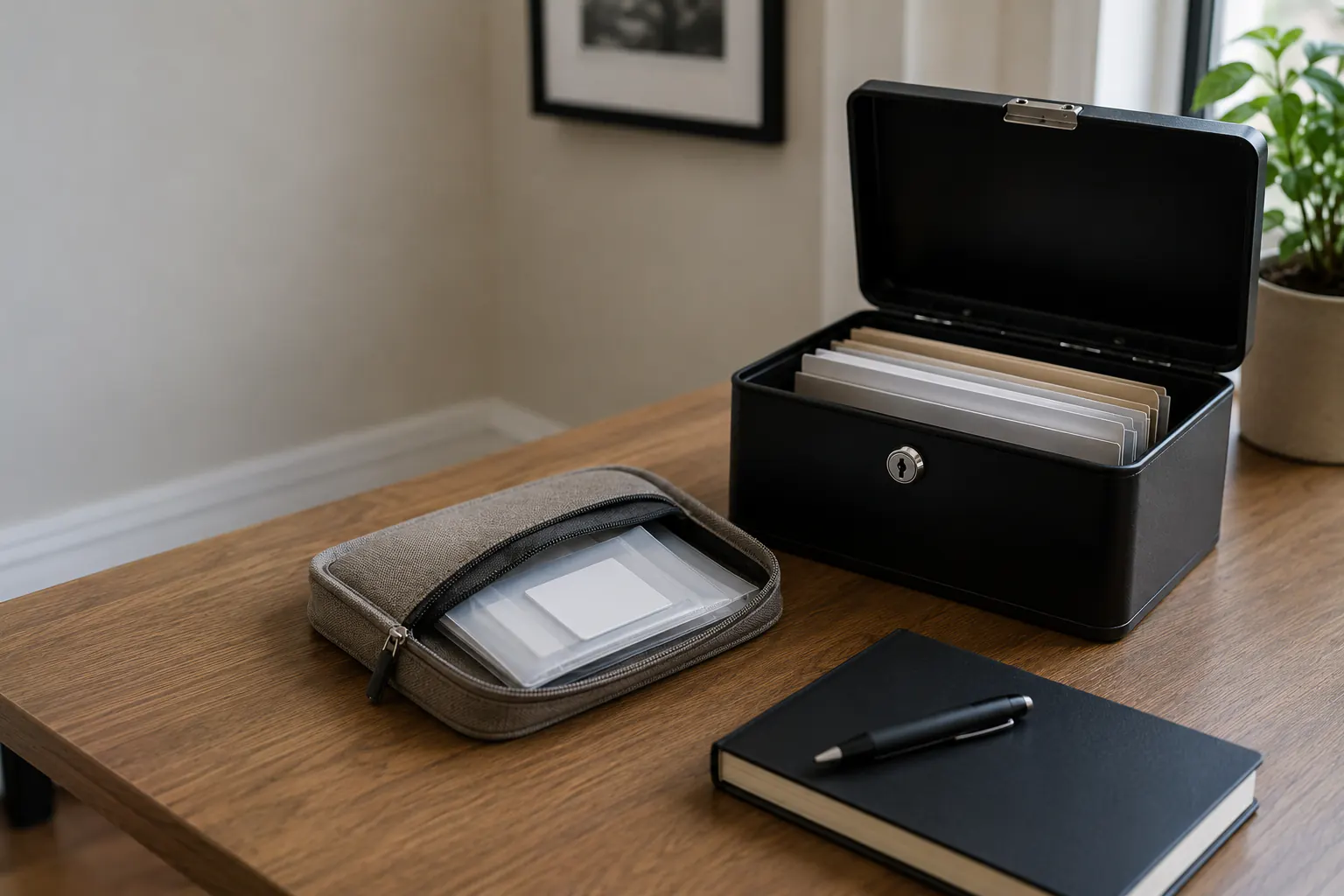
Decide what belongs in the note and what stays protected
| Information | Where it belongs |
|---|---|
| Provider and public support route | A private note may help; combined household clues still deserve limited access. |
| General purpose or permitted role | Only what the reader needs to start the authorized process, without identifiers or exact secret locations. |
| Password, code, private or recovery key | Separately protected original recovery material, never a broadly shared checklist, site form or email. |
| Identity, financial or care document | Protected records under the applicable provider, organization and legal requirements. |
Do not put all four classes on one page merely because it is convenient. A recovery map can say “email backup codes: sealed record B” without containing the codes. It can say “drive key: controlled off-device location” without publishing the exact hiding place in a family checklist.
Decide what must work without the internet
For your actual task, consider what would be difficult to reach without the usual device. There is no universal first-24-hours waiting period or requirement to gather everything below:
- emergency and family contacts;
- meeting locations and communication roles;
- medication, care, accessibility, and device information;
- insurance and utility names with public contact channels;
- device serial or identifying information for reports;
- names of priority accounts and their official recovery route;
- the location category of protected recovery material;
- a method to reach an employer, school, bank, or carrier;
- downloaded non-secret documents needed for evacuation or a claim.
You can begin with one public contact or recovery instruction. Keep necessary medical information, device identifiers and other sensitive originals separately protected rather than copying them into a broadly shared note. Do not delay care, communication, reporting or evacuation to finish an inventory. What needs to travel depends on the actual situation, permission and safety instructions.
Choose paper, encrypted digital, or both
Paper
Paper needs no power, operating system, cable, or password. It is easy to inspect during an outage and can support caregivers. It is also readable by anyone who finds it, hard to revoke, and easy to copy without detection.
Use paper for the non-secret instruction if that meets your needs. Sealed storage can show some signs of handling but does not prevent someone reading or copying a secret. Protect necessary records from water and ordinary damage. Do not mark an evacuation pouch with a label advertising passwords, cash, identity records, or vacant-home information.
Encrypted removable storage
An encrypted drive may reduce casual exposure, but usable recovery still depends on compatible hardware, software, power and available unlock material. Microsoft and Apple advise keeping their drive-recovery keys apart from the protected computer or disk. Microsoft Support cannot recreate a lost BitLocker key; a managed device may instead require the organization’s administrator. These are specific platform examples, not guarantees about every encryption system.
Do not store the only recovery key on the drive it unlocks. Follow the exact platform’s instructions before an encryption change, with originals and a usable backup preserved. Do not reformat, re-encrypt or erase the only good copy to rehearse recovery. A successfully opened sample does not validate every record or prove a device free of compromise. Ask qualified help before connecting damaged or potentially compromised media to another device.
Offline copy on a trusted device
A charged phone, tablet, or laptop may hold useful downloads, but it may also be lost, stolen or damaged. Follow the current platform or administrator’s protection instructions, including supported locking and encryption. Minimize unnecessary sensitive downloads, but do not delete necessary originals, evidence or the only usable copy while tidying. Do not copy work, school or regulated records to a personal device without permission.
Combined pattern
If your actual needs justify it, you might combine a non-secret paper note, selected protected records and separately controlled unlock material. All three are not a prerequisite. Check that the one path you rely on does not require the unavailable device to unlock itself.
Build the offline access map
For your one chosen service, keep only the fields that help the permitted reader. A helper and a full register are optional:
| Field | A useful clue, not a credential |
|---|---|
| Purpose and provider | General task and service name, without a username, account suffix or member identifier. |
| Official starting point | Known app, public support number or official recovery route. |
| Permitted role | Who may start the process; a relationship alone is not authority. |
| Existing factor type | A method description, never the password, code or key value. |
| Protected record clue | A general reference or location category, not a precise secret location. |
| Help or review question | Relevant provider/administrator contact and one uncertainty to check. |
Keep full or partial account, policy and member identifiers, passwords, code values, keys and precise storage locations out of site forms, email and broadly shared notes. Do not mask, shorten, split or rewrite the necessary original recovery secret itself; retain the exact material in separately protected storage under the provider’s instructions.
Avoid security answers based on discoverable personal history. Where a password manager supports generated answers, follow its current instructions. Never place complete answers in an unprotected map.
Store recovery codes and keys by consequence
A backup code may function like a temporary password. A disk recovery key may defeat the protection of an encrypted drive. A cryptocurrency seed phrase can control assets irreversibly and sits outside ordinary account-recovery assumptions. Treat each according to the provider and the potential loss.
Minimum controls include:
- no casual photographs or screenshots;
- no copy in the same account or device it recovers;
- limited named custodians;
- tamper-evident or sealed storage where useful, without claiming the seal prevents access;
- a second controlled location only when lockout risk justifies another copy;
- review after household, device, provider, or legal changes;
- the provider’s actual replacement process after exposure or use, without assuming every secret can be rotated;
- understood retention and disposal requirements, preserving necessary originals and evidence rather than destroying material as a drill.
Do not invent a code scheme that the household cannot reliably decode under stress. Do not split a secret across people unless the exact system supports that design and the legal and continuity consequences are understood.
Plan authorized household access
If someone else may need to help, check the permitted role rather than assuming they can use a credential. If you work alone, the provider’s own route can still be your starting point. Questions to consider include:
- Who can retrieve the contact map?
- Who is authorized to use protected recovery material?
- Who contacts the bank, carrier, insurer, employer, or school?
- Who can help a person with visual, hearing, dexterity, language, memory, or cognitive access needs?
- What happens if the primary custodian is away or incapacitated?
- Which accounts require legal, estate, organizational, or provider authority rather than shared credentials?
Do not disable prescribed care, assistive technology or necessary communication to practice access.
Use provider-supported delegate, family, legacy, recovery-contact, or emergency-access features where available. Sharing a password does not necessarily grant legal authority and may violate an account or workplace policy.
Keep this role plan aligned with the family communication plan and the password recovery checklist.
Protect the packet during evacuation
Carry only what the scenario justifies. A daily grab-and-go packet should not become a permanent traveling copy of every identity and recovery record.
- Keep it under the control of a named adult.
- Do not leave it visible in a vehicle.
- Separate it from the only device or key it supports.
- Use a nondescript container.
- Record when it leaves and returns for especially sensitive material.
- Inspect for loss, water, or tampering after the event.
- Use the provider’s actual security and replacement process for suspected exposure; appearance alone cannot establish that a credential is safe.
If domestic abuse, stalking, coercive control, or targeted theft is a concern, generic shared-household access may be dangerous. Seek specialized safety and legal guidance before creating shared records or location clues.
Review without exposing the contents
During normal authorized access, review one useful instruction after a relevant change if needed. No quarterly appointment or full household review is required:
- verify that the map names current services and contacts;
- confirm protected packets are present without reading secrets aloud or copying them;
- check dates, device compatibility, and physical condition;
- confirm a separate recovery path still exists;
- ask the provider or administrator about an unfamiliar or obsolete record before changing access or disposal;
- practice locating a harmless sample instruction;
- log the review and next action.
You can stop after one useful question; unknown details can stay blank. An optional reminder or helper is fine. Do not remove the only working factor, destroy necessary records, rotate secrets, or erase a device merely to test the note. A rehearsal with a harmless instruction checks that step, not every future recovery condition.
Use the personal data backup coverage audit to include offline records in the wider backup system and the digital continuity hub to connect access, power, and recovery.
Sources reviewed
- CISA: Use a Password Manager; How to Protect the Data Stored on Your Devices
- Ready.gov and CFPB: Your Disaster Checklist
- Microsoft Support: Back Up Your BitLocker Recovery Key
- Apple Support: FileVault Recovery Key
Historical source review: July 14, 2026. Microsoft’s BitLocker key-backup and Apple’s FileVault key pages were checked October 3 for those specific separation and recovery limits; the historical CISA and Ready.gov/CFPB records remain, not a new claim of re-verification. Follow current provider, platform, employer, school, estate, and legal requirements for the exact record or account. Encryption and recovery behavior vary and can change.