
Pick one important file or small group you are allowed to manage. Under normal conditions, privately note its existing copy and one question you cannot yet answer. Leave unknowns blank. You do not need a new drive, a helper, a score or a complete household inventory to begin.
If the device is damaged or possibly compromised, stop before attaching storage and seek qualified help. Urgent care, reporting, necessary communication and departure come before an audit. Do not interrupt prescribed care or assistive technology to rehearse a loss.
Many backups can still miss the file that matters. A phone upload may omit messages, a laptop backup may skip an external library, and an encrypted copy may need a key unavailable on the failed computer. Check the actual system rather than assuming its name means everything is included.
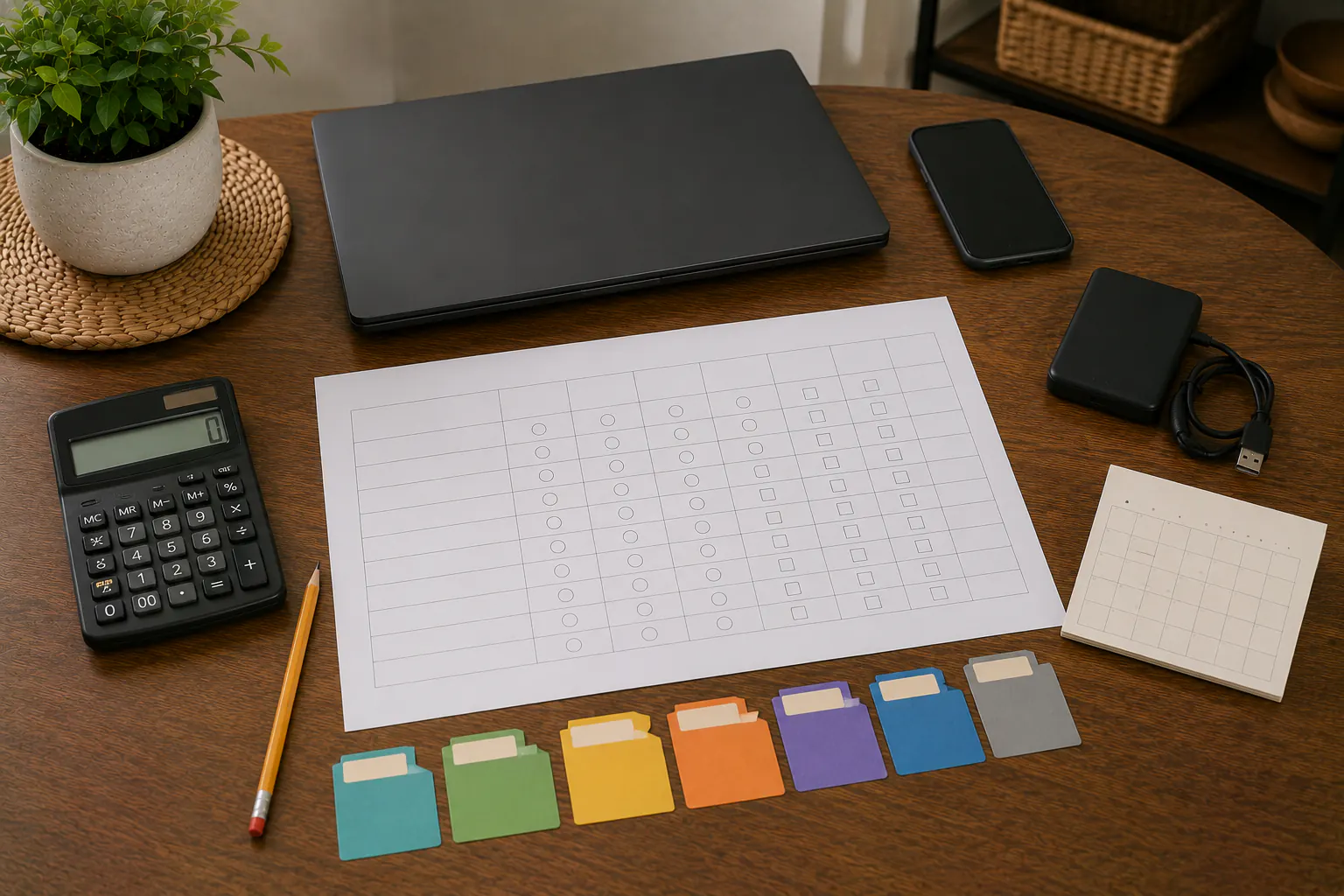
This is a personal question list about copies and access, not a certified measurement of security, completeness or recoverability. It does not require opening every sensitive file or exposing passwords. Complete it from trusted devices during normal authorized conditions. If ransomware, unknown access or physical drive failure is suspected, stop attaching storage and use the ransomware stop rules.
Describe what you actually checked
For the one file or group, a plain note is more useful than an invented readiness score:
- Unknown: which copy, inclusion or access question remains unresolved;
- Copy located: which actual copy or status you found, without assuming completeness;
- Sample checked: what one authorized non-destructive check showed and what it did not establish;
- Help needed: the provider, administrator or qualified responder question to raise.
These are notes, not security ratings. A successful sample does not prove every file is recoverable or free of compromise. A missing care record or only family archive may matter more than many replaceable folders; address urgent help before scoring or listing them.
Step 1: Inventory data sets
Begin with one permitted group; a full register is optional.
| Question | What to record privately |
|---|---|
| General category | Photos or documents, without identifying filenames or record contents. |
| Existing copy | Provider/storage type and actual status, not a precise secret location. |
| Permitted access | Responsible provider, organization or authorized role; helper optional. |
| One uncertainty | Inclusion, retention or recovery question; leave unknown details blank. |
Add messages, scans, application data, shared folders, external drives, old computers, camera cards, website files, and financial or tax records where relevant. Do not copy employer-managed data into personal storage to fill a checklist; organizational permission controls those records.
Step 2: Verify inclusion
For each backup system, answer from its current settings or status:
- Which devices are enrolled?
- Which user accounts are included?
- Which folders and external drives are included or excluded?
- Are online-only files downloaded or represented in the backup?
- Are messages, contacts, health data, application data, and device settings included?
- Does phone-photo synchronization preserve originals at expected quality?
- Are shared folders owned by someone else retained if access disappears?
- Are failed jobs and storage-capacity alerts visible to a named person?
- What was the last successful date and time?
Do not infer inclusion because an application icon is present. Check the documented scope and a sample.
Step 3: Ask what could affect both copies
Ask one question relevant to your actual copies. Do not simulate a fire, account lockout, disconnection or malware event to fill a table.
| Concern | Question for the actual copy |
|---|---|
| Loss or local damage | Could both copies be lost in the same device, bag or place? |
| Account access | Does each path require the same unavailable account or factor? |
| Unwanted changes | What does the provider say about deletion, versions and writable access? |
| Power or connection | What actual hardware, power or internet access is needed? |
| Authority | Which legitimate provider or organizational route applies if the usual person is unavailable? |
The 3-2-1 method explains why two copies under one account, in one room, or continuously connected may share a failure domain.
Step 4: Review retention and version history
Record:
- how frequently new copies or snapshots are created;
- how long deleted files remain recoverable;
- how many historical versions are retained;
- what happens when storage is full;
- whether a device deletion synchronizes immediately;
- whether account closure or nonpayment removes backups;
- whether the service can export data in usable formats;
- how the household learns that backups stopped.
Retention can change with provider plans and settings. Verify current terms and product behavior; do not rely on memory or a marketing phrase such as “continuous backup.”
Also record the renewal date, storage quota, current plan owner, payment-failure notice path, and estimated cost of a full restore or mailed recovery device where the service offers one. Confirm that data can be exported in a usable form before account closure. A low monthly price is not continuity if the household cannot retrieve a complete, readable copy without the original account or device.
Step 5: Audit encryption and recovery
For the encrypted copy you rely on, consider the applicable questions without changing its configuration as an exercise:
- identify the legitimate unlock method;
- confirm recovery material is stored away from the protected device;
- verify the key or reference belongs to the correct asset without displaying it in the worksheet;
- confirm an authorized person knows how to start official recovery;
- record whether the provider can help or explicitly cannot recreate the key;
- review what happens after password, phone number, account, or organization changes;
- ask the provider or administrator about actual retention/replacement requirements; preserve originals, evidence and the only working access method rather than deleting keys as a drill.
Use the photos, documents, and recovery-keys guide and offline credentials guide. Do not place secret values in the audit sheet.
Step 6: Restore representative samples
Under normal authorized conditions, one harmless sample is enough to start checking the actual system’s non-destructive instructions. Do not attach damaged or potentially compromised storage, overwrite originals or erase a device for this exercise:
- restore to a separate temporary folder;
- select the intended historical version;
- open the file with the expected application;
- compare content, date, and basic metadata;
- note time, connectivity, application, cable, account, and key dependencies;
- record pass, partial, or fail;
- keep necessary originals and earlier backups; resolve actual privacy/retention requirements before removing any sample copy.
A successful sample verifies only that sample and those conditions, not all files, absence of compromise or future recovery. A local restore does not prove cloud recovery; a download from an already signed-in laptop does not prove recovery after its loss. Ask qualified help about suspect media or an unfamiliar destructive restore process.
Step 7: Audit the human system
Ask:
- Is one person the only one who understands every backup?
- Can an authorized adult start recovery if that person is unavailable?
- Are disability, language, dexterity, memory, and caregiving needs addressed?
- Is employer, school, estate, or provider authority required?
- Who receives failure alerts?
- Who rotates offline storage?
- Who documents changes after a new phone, computer, carrier, or cloud plan?
- Is access removed when a household or work role ends?
Recovery access should be sufficient, not universal. Use provider-supported family, delegate, recovery-contact, legacy, or organizational features where available.
Choose one next question or fix
Choose by your actual need and any urgent care, reporting or deadline. There is no universal 30-day queue or required order; questions may include:
- an irreplaceable file whose usable copy is uncertain;
- encryption keys with no independent recovery path;
- primary email or password-manager lockout risks;
- backups that have not succeeded recently;
- copies sharing one device, room, or account;
- untested high-priority restoration;
- obsolete people, devices, phone numbers, and recovery contacts;
- replaceable low-consequence data.
One unresolved question is a useful stopping point. An optional helper or reminder can support it; neither a full inventory nor a purchase proves a gap solved. Check the actual changed step before recording the outcome.
Keep a small private record if useful
If useful, keep a short private note with what was actually checked and one next question. No quarterly/full-household review is required. Keep passwords, keys, codes, full or partial identifiers, precise secret locations and sensitive contents out of site forms, ordinary email and shared notes. Necessary original recovery material stays separately protected, unchanged rather than masked or split to fit the worksheet.
After a relevant device, account or household change, revisit the affected question when appropriate. Do not disable care/communication, remove a sole factor, destroy evidence or rotate secrets to practice an audit. Managed, estate and provider authority still control access; work alone through the legitimate route if no helper is available.
Use the digital continuity hub to connect audit findings to account recovery, MFA, offline access, ransomware, and power planning. Compare storage roles in the home data equipment guide.
Sources reviewed
- CISA: How to Protect the Data Stored on Your Devices
- NIST: Data Integrity and Ransomware Recovery Guidance
- Federal Trade Commission: Five Ways to Keep Scammers and Hackers Away
Historical source review: July 14, 2026. NIST’s ransomware tips article and the FTC five-ways article were checked October 3 for narrow backup/protection principles; this is not a fresh full review of SP 1800-26 or inaccessible historical CISA material. Provider scope, retention, encryption, authentication and recovery features change; use current official documentation and organizational policy for the actual copy.