
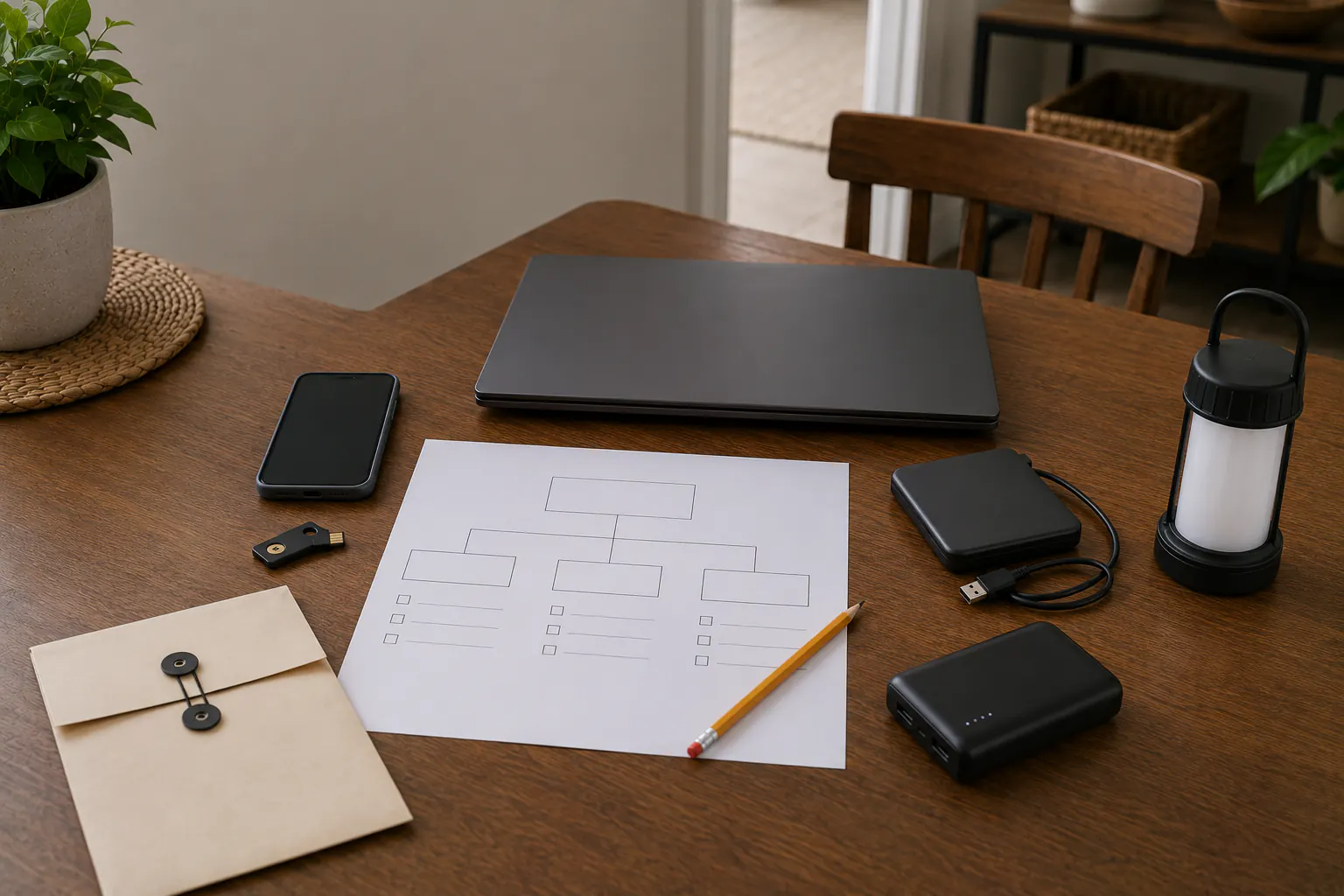
Choose one thing you would miss if your phone or laptop disappeared: a contact, an insurance photo, or a file you cannot replace. In ordinary preparation, check where it is stored and whether you have another usable copy or the account provider’s recovery instructions. A short private note is enough to start. You do not need a new drive, an app, a helper, or a complete account inventory first.
A backup and account recovery solve different problems. A copy of a photo will not unlock your email, and access to email will not recover a file that was never copied. Pick the guide below for the problem you actually have; the rest can wait.
If compromise, fraud, threats, or damage may be happening now, urgent help and the responsible provider’s instructions come before a planning exercise. Do not interrupt prescribed care, necessary communication, or departure to check records. This hub is for legitimate household preparation, not intrusion, surveillance, bypass, credential cracking, malware removal, or forensic investigation.
Choose the guide that matches the failure
- Where is my second copy? The 3-2-1 backup method for household data.
- Could I start recovery without this device? Password recovery planning before a device is lost.
- My MFA phone is unavailable. What to do when your MFA phone is missing.
- What should I keep privately offline? Keeping essential credentials available offline and secure.
- I suspect ransomware. Household ransomware preparedness and recovery steps.
- Which files and keys need a copy? Backing up photos, documents, and device recovery keys.
- What have I missed? Personal data backup coverage audit.
- Do I need different equipment? External drives, encrypted storage, and backup power.
If an account or device may be compromised now
- Move to a known-clean, updated device if one is available. Do not keep entering passwords into a device displaying unexpected encryption, remote-control behavior, or suspicious login prompts.
- Use a bookmarked app, a manually entered official address, or another verified channel. Do not follow recovery links from an unsolicited text, email, search advertisement, pop-up, or caller.
- Contact banks, card issuers, payment services, an employer, or a school promptly when their accounts, money, or managed devices may be involved. Do not delay urgent financial reporting or physical help to complete this list.
- If the email account controls other resets, use its provider’s official recovery process. After legitimate access is regained, follow its instructions to change the password, sign out sessions, review recovery details and unfamiliar forwarding rules, and strengthen MFA. Do not remove your only working recovery method as a rehearsal.
- Preserve useful facts such as times, alerts, transaction identifiers, sender information, and what the household already changed. Do not continue opening suspicious files to gather evidence.
- Use IdentityTheft.gov for a tailored U.S. identity-theft recovery plan when personal information was misused. Report relevant fraud through official channels.
- Get qualified help when the scope is unclear, backups may be contaminated, sensitive work or health data is involved, or the attacker is demanding payment.
Do not pay, negotiate, install a supposed decryptor, grant remote access, or share a one-time code because an unsolicited person claims to be support. A real provider may verify identity, but it will not need the household to defeat its own safeguards for a surprise caller.
Map the household’s essential digital functions
Start with the one task that matters to you, not a storage capacity or a universal deadline. You might need a contact during a power outage, a work file before an actual deadline, or a family photo you could never replace. Unknown details can stay blank.
| Task | What to check |
|---|---|
| Reach someone | Which contact could I use without this phone? Keep only the information needed. |
| Meet an actual deadline | Which file or verified contact would help? A provider, employer, school, or insurer sets its requirements, not this guide. |
| Keep an irreplaceable file | Where is another copy, and have I checked that particular file can be opened? |
| Start account recovery | Where does the provider’s legitimate process begin? Keep secrets separate from this general note. |
There is no safe generic outage window for care, essential equipment, finances, or reporting. Follow the existing care or equipment plan, responsible organization, and current instructions. A planning note does not authorize anyone to access another person’s account or records.
Build six independent layers
1. Account protection
Use unique credentials, a reputable password manager, MFA where offered, prompt software updates, device locks, and phishing-resistant methods when the service supports them. Protect the email account that receives resets more strongly than an ordinary shopping account. A password manager can reduce reuse, but its own access and recovery path must be planned.
2. Account recovery
During ordinary authorized access, review the recovery options the provider offers and record where its legitimate process starts. Do not sign out, remove a factor, expose a code, or change settings merely to prove the plan works. Follow the provider before making a change that could lock you out. Do not assume it can recreate a lost encryption key or override its recovery design.
3. Data backup
Keep copies that do not all depend on the same device or location. One synchronized folder is not automatically a backup: deletion, corruption, or malicious encryption may synchronize too. Check what your actual service includes, how older versions are retained, and how restoration works. Start with the 3-2-1 household guide before buying equipment.
4. Offline continuity
Keep only the minimum information needed to start recovery without the internet, such as a provider name and verified contact. Full or partial account, policy, member, and device identifiers belong in protected records, not a shared household note. Keep passwords, recovery codes, and encryption keys separately protected; do not put them in this site’s forms or email. See the offline credentials guide.
5. Power and connectivity
Know which phone, computer, modem, router, external drive, or security key is required for restoration. Keep compatible charging cables and modest power reserves. Backup power should support a defined task, not encourage operating damaged equipment or entering a wet building. Use the home backup-power guide to plan electrical loads safely.
6. Human handoff
If you are handling this alone, a private location clue and the provider’s contact can still help. An authorized helper is optional, not a requirement to share passwords. Use the provider’s legitimate delegate, emergency-access, legacy, or estate process where applicable; a shared secret is not legal authority. Record what a helper may do, not just a person’s name. Keep the family communication plan consistent with those limits.
Separate backup, synchronization, archive, and recovery
These terms solve different problems:
- Synchronization keeps working files consistent across devices. It can also replicate unwanted changes.
- Backup keeps copies intended for restoration. Their coverage, retention, and usability still need checking.
- Archive preserves material that should change rarely or never, such as family history or completed records.
- Recovery means finding, unlocking, checking, and restoring the needed version through authorized steps.
A green checkmark is not a full recovery test. It may show a completed upload without showing which files were included or whether you can restore them. Check one uncertainty first; keep necessary originals and older backups until their actual retention and recovery needs are understood.
Decide what deserves another copy
Ask whether the file can be replaced, when you actually need it, and who may access it. You do not need to assign every record a category before improving one gap. More copies are not always safer: duplicating tax, medical, identity, or recovery records onto every phone and bag increases exposure. Use the responsible organization’s requirements for work, school, care, or other managed data; do not copy it to personal storage without permission.
Practice restoration, not disaster theater
When you can do so safely, use a small non-sensitive file and the actual backup service’s restoration instructions. Choose a separate safe destination, never the only good copy. You can:
- identify the correct backup;
- reach it without relying on the protected device alone;
- unlock it using the documented recovery path;
- restore the sample to a separate safe location;
- open and compare the restored file;
- record the date, result, and next fix;
- handle unnecessary test copies through the device or service’s documented process, without deleting the original or backup.
Do not rehearse by disabling live accounts, wiping a primary device, exposing real recovery codes, opening suspicious files, or restoring over the only good copy. A successful sample checks only that file and recovery path; it does not validate every backup, rule out contamination, or guarantee recovery after a different incident. If the source or destination may be compromised, stop and use qualified help.
An optional reminder after a device, provider, or household change can help you return to the next gap. There is no quarterly prerequisite here, and no need to finish the whole system tonight.
Sources reviewed
- CISA: Secure Our World; How to Protect the Data Stored on Your Devices
- Federal Trade Commission: Five Ways to Keep Scammers and Hackers Away; How to Recover a Hacked Email or Social Media Account
- NIST: Data Integrity, Detecting and Responding to Ransomware and Other Destructive Events
- Ready.gov and CFPB: Your Disaster Checklist
Historical source review: July 14, 2026. The two named FTC pages were checked again October 3 for basic protection and recovery after legitimate access is regained; this is not a fresh verification of every provider feature or every historical source. Provider instructions, employer or school policy, law enforcement, financial institutions, insurers, and qualified incident-response professionals control actual recovery. Features, retention, authentication, and recovery options change; verify them inside the official service before relying on them.