
Choose one file or device you are allowed to manage and name the missing job: another copy, a way to unlock it, or a supported shutdown during an outage. Check what you already have before comparing equipment. Unknowns can stay blank; no purchase, helper or complete household audit is required.
If storage is failing, damaged or possibly compromised, stop before connecting anything and seek qualified help. Urgent care, reporting and necessary communication come before shopping or an equipment exercise. Do not interrupt prescribed care or assistive technology to test a power failure.
Storage, encryption and power solve different problems. A UPS cannot recover a deleted photo, encryption cannot create another copy, and a drive beside the computer may share its local risks. A cloud copy may still need an account, internet access and a compatible recovery path.
This is a research framework, not a product ranking. ReadyLience has not yet completed model-level testing for this category, and no affiliate product link is active. Future recommendations must identify the exact model, evidence, test method, limitations, and update date.
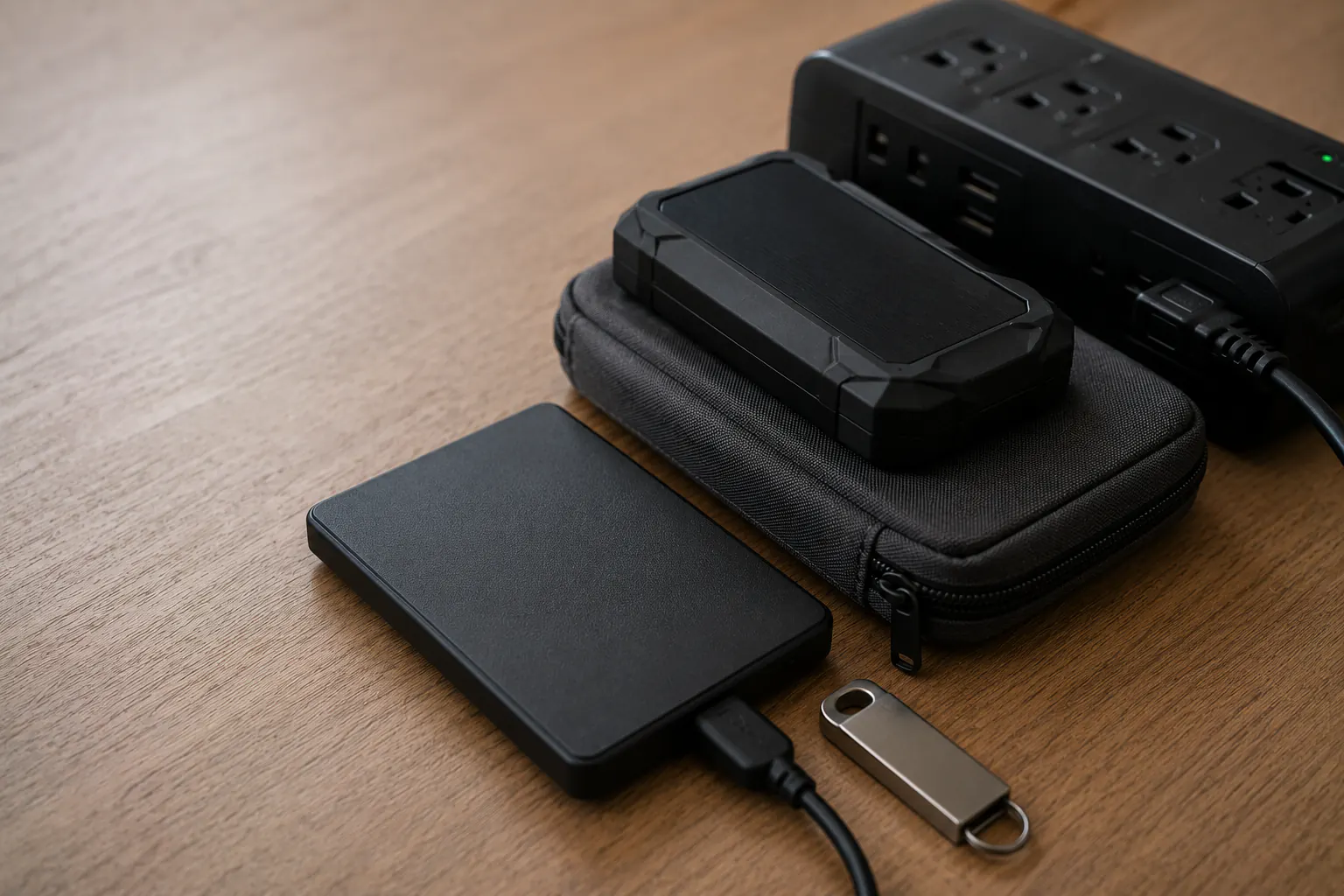
Start with the failure, not the product
| Missing job | Capability and its limit |
|---|---|
| Earlier file version | Documented versioned backup/retention; account recovery is a separate question. |
| Copy elsewhere | Independent off-site path; this does not guarantee access during an outage. |
| Protection after loss | Appropriate encryption with a usable unlock path; it creates no additional copy. |
| Supported shutdown | Exact compatible UPS/software/load plan; not long-duration household power. |
| Incident recovery | Qualified containment and validated recovery path; equipment alone cannot establish cleanliness. |
For the one job, note what you already know and one uncertainty. A full loss-window/recovery-time register or another person is not a prerequisite. Do not simulate lockout, device erasure or an outage to fill the gaps.
Compare storage roles
Portable hard disk drive
A portable HDD uses moving parts. Check the exact interface, operating-system compatibility, capacity, power, handling, warranty, encryption and backup support. Price, service life and usable performance belong to the actual model and conditions, not the category or brand alone.
Portable solid-state drive
An SSD has no moving mechanical head and can be compact and fast. Cost, thermal behavior, controller design, sustained performance, write endurance, and long-term unpowered retention vary. It still needs another independent copy. “Rugged” marketing does not authorize water exposure, drops, heat, or casual handling beyond the exact rated and tested conditions.
USB flash drive
A small flash drive may suit a limited document set or recovery media if its actual compatibility and protection fit. It is easy to misplace; price alone establishes neither durability nor reliability. Do not make one thumb drive the only family archive or only recovery-key copy.
Network-attached storage
NAS can automate backups for several household devices and may support snapshots or redundant disks. It adds administration, updates, account security, networking, power, drive, and configuration dependencies. Disk redundancy is not an off-site backup and does not guarantee protection from deletion, ransomware, theft, fire, or controller failure.
Cloud backup or storage
An off-site service can automate uploads and protect against local physical loss. Compare true backup versus synchronization, version retention, deletion rules, encryption model, account recovery, MFA, supported devices, export, bandwidth, restore options, service closure, and ongoing cost. One account controlling email, MFA, payment, and backups creates a concentrated dependency.
Compare encryption paths
Encryption may be built into the operating system, backup application, storage device, archive format, or cloud service. Ask:
- What data is encrypted at rest and in transit?
- Who can decrypt it and under what process?
- Is the key tied to a platform account, a separate password, hardware, or organization?
- Can the provider recover access, and is that desirable for this risk?
- What happens if the user forgets the password or loses every trusted device?
- Can an authorized household member recover during incapacity?
- How is the recovery key backed up away from the protected device?
- Does encryption cover filenames, metadata, temporary files, and backups?
Do not select an encryption option based only on the word “military-grade.” Prefer precise documentation, supported standards, current software, independent evaluation where available, and a recovery design the household can maintain. Microsoft and Apple both document platform-specific drive-recovery keys; never assume the steps or guarantees are interchangeable.
Compare power continuity separately
UPS
A UPS is typically intended to bridge short interruptions, condition power within its documented capabilities, and allow orderly shutdown of compatible equipment. Compare:
- output capacity in watts and volt-amperes;
- runtime at the household’s measured load;
- output waveform and device compatibility;
- number and type of battery-backed outlets;
- replaceable-battery design and official replacement availability;
- surge-only versus battery-backed outlets;
- communication and automatic-shutdown support;
- audible alarms, self-test, warranty, and safety certification;
- ventilation, temperature, spacing, and manufacturer installation rules.
Do not connect large heaters, cooking appliances, pumps, medical devices, or other loads unless the exact manufacturer documentation explicitly supports the use and a qualified plan exists. Do not daisy-chain power strips or improvise battery replacement.
Portable power station or power bank
A portable battery may charge a laptop, phone, hotspot, or small network device during a longer outage. It is not automatically a UPS, may interrupt during transfer, and may have output, grounding, charging, temperature, storage, and pass-through limitations. Use only listed, undamaged equipment and compatible chargers according to the manufacturer.
Estimate energy with measured watts and realistic hours, then reserve capacity for communication and safety. The power-station runtime calculator provides planning math, not a performance guarantee. The home backup-power guide covers broader electrical boundaries.
Build a model-level evidence sheet
For a candidate that might fill the job, check the evidence actually available. Do not infer a test from a specification, warranty, review badge or photo:
| Question | Actual evidence needed |
|---|---|
| Which item | Exact manufacturer, model, revision, region and intended role. |
| Does it fit | Documented device, software, interface, load and installation compatibility. |
| How access works | Current protection, updates and legitimate recovery design, not an encryption slogan. |
| What was tested | Identified setup, results, conditions and explicit limits; unknown stays unknown. |
| What needs rechecking | Current support, recalls, terms, price date and actual replacement instructions. |
A product may be suitable for one role and poor for another. A fast SSD can still be a weak off-site plan if it never leaves the desk. A long-runtime battery does not validate the backup. A hardware-encrypted drive can still create permanent lockout if recovery is misunderstood.
Decide whether anything is missing before buying
For the one gap, consider the questions that apply. This is not a requirement to buy equipment or complete every step:
- use one relevant question from the personal backup coverage audit;
- identify the highest-consequence uncovered data set;
- choose the missing function: local versioned copy, off-site copy, encryption, or orderly shutdown;
- verify current device and operating-system compatibility;
- plan key recovery and authorized household access;
- check current recalls, support status, warranty, and replacement parts;
- buy only enough capacity and power for the defined role plus reasonable growth;
- configure through official instructions;
- during normal authorized conditions, follow non-destructive sample instructions while preserving originals and prior copies;
- optionally note one unresolved question or relevant future check.
A successful sample verifies that sample under those conditions, not the whole archive, safety, freedom from compromise or future recovery. Do not reformat a drive, erase a device, disconnect essential care or remove your only working access method to rehearse a purchase. Keep credentials, identifiers, exact secret locations and sensitive records out of site forms, ordinary email and shared notes; necessary originals stay separately protected. Ask the provider, administrator or qualified professional about unfamiliar restoration, managed data, damaged media or electrical connections before proceeding.
Use the 3-2-1 backup guide to design independent copies and the digital continuity hub to connect storage with accounts, MFA, people, and power.
Sources reviewed
- CISA: How to Protect the Data Stored on Your Devices
- NIST: Data Integrity, Detecting and Responding to Ransomware and Other Destructive Events
- Federal Trade Commission: Five Ways to Keep Scammers and Hackers Away
- Microsoft Support: BitLocker Drive Encryption
- Apple Support: FileVault Recovery Key
Historical source review: July 14, 2026. Microsoft BitLocker, Apple FileVault and the FTC five-ways main pages were checked October 3 for narrow platform/protection principles; historical CISA/NIST records remain, not a fresh full re-verification. This page contains no current product ranking or test claim. Use exact current manufacturer, platform, service, safety, recall, compatibility, retention and recovery documentation before purchase or use.