
Start with one document you would need if your phone or home file were unavailable: an insurance record, an identity-document reference, or an authorized care summary. Check whether you can find and read it through another legitimate route. You do not need to scan the whole filing cabinet today.
Necessary help, care, and departure come before copying or checking records. Do not enter a damaged or unsafe home to retrieve a file. In ordinary conditions, choose a small set you can protect and maintain; the emergency documents and records hub helps decide which records matter.
This guide covers document copies. It does not replace the broader digital security and data backup plan, an account-recovery plan, or a household’s legal authority arrangements.
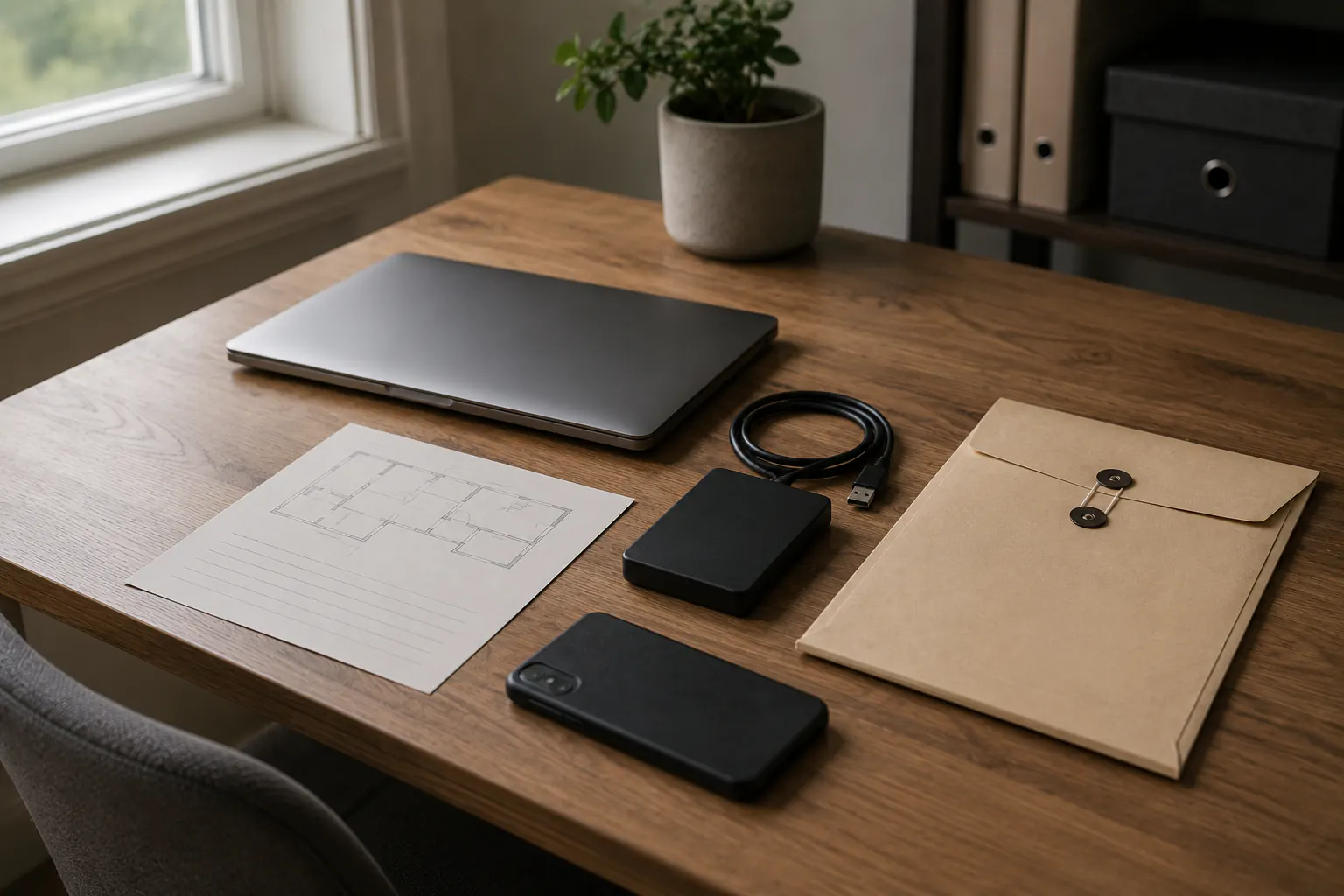
Start with a document decision, not a scanner
Before making a copy, decide why the record is needed. A good reason changes how much detail should be preserved and where it belongs.
| Your task | A useful starting point |
|---|---|
| Call an insurer or utility | A policy or account reference and verified contact channel, not a password or full card details. |
| Replace an identity record | A legible copy or document reference and issuer contact, kept out of public folders and unprotected email. |
| Continue a care or school conversation | A current authorized summary and contact details, not a complete private history copied without need. |
| Support a property claim | Dated inventory, photos, receipts, and claim notes; these do not decide coverage or justify an unsafe inspection. |
| Travel during an evacuation | A limited packet you can protect, not the full archive and its access secrets. |
The Consumer Financial Protection Bureau’s disaster-preparation guidance recommends a way to locate important records, separate copies, and password-protected digital storage (US guidance, checked October 3, 2026). The examples above are choices for narrowing your own file, not a requirement to collect every category.
Some records are better represented by a reference number, a date, and the issuer’s verified contact than by a full scan. Others require an original or a current certified copy. The issuer, insurer, court, agency, school, or clinician controls that requirement. A household file is preparation, not proof that every organization must accept it.
The emergency documents checklist helps choose what exists in the archive. The evacuation document packet is narrower by design: it keeps travel needs from becoming a portable privacy risk.
Separate the document copy from the key that opens it
The most important boundary is simple: a protected document archive and the secret that opens it should not be casually stored together.
Do not put passwords, one-time recovery codes, encryption recovery keys, security answers, full bank credentials, or a master-password export inside a document PDF, a household contact sheet, or the same unprotected cloud folder. A person who finds one item should not automatically gain the next layer.
Use keeping essential credentials available offline and secure for passwords and recovery keys. Keep the document copy and the instructions for finding it distinct from those secrets.
Avoid convenience patterns that quietly spread records:
- sending sensitive scans to yourself by ordinary email and leaving them there indefinitely;
- using a shared folder with former roommates, children, contractors, or anyone who no longer needs access;
- photographing an ID and leaving it in an unrestricted camera roll;
- naming files with full account or identity numbers;
- relying on the only copy on the phone most likely to be lost during travel;
- sharing a record through an unexpected text, social-media message, or caller request.
An urgent message can still be fraudulent. Confirm the recipient through a known app, a bookmarked official address, a number on a statement, or another verified channel before sharing a private document.
Make copies readable and useful
A scan that cannot be read, found, opened, or matched to its owner is not a recovery copy. Use a calm, consistent method.
- Work from a trusted device in normal conditions.
- Capture the whole page, including any date, issuer, and relevant reference, without cropping away context.
- Check legibility at normal viewing size. Retake a blurred, shadowed, cut-off, or distorted image.
- Give the file a plain name that identifies the category and review year without exposing the entire number or private fact.
- Put it in the intended protected location immediately; do not leave it in downloads, a camera roll, or an email draft.
- If a private reminder helps, note the document category and storage location, not the secret needed to unlock it. A household map is optional; this page does not collect your records.
- Before removing a temporary scan, confirm that the retained copy is complete, readable, and available through the intended recovery route. Do not delete your only usable copy or a record you are required to retain.
For a household inventory, separate ordinary possessions from highly private records. A room-by-room photo set may help later, but avoid capturing open mail, account displays, children’s schedules, access codes, or documents lying in the background. The backup coverage audit can check whether the inventory is included in a working backup plan.
Use layered locations without multiplying exposure
You need to be able to retrieve the copy without making it available to everyone else. Consider the locations you already use before adding another device or account. These are different jobs, not four products to buy.
| Location or route | Question to check |
|---|---|
| Controlled home copy | Can you reach it without blocking an exit, and is it protected from casual access and the storage conditions involved? |
| Protected digital copy | Can the authorized owner locate and open it from a different working device? |
| Limited travel copy | Does it contain only what needs to travel for that evacuation or appointment? |
| Separate backup route | What happens to this copy if the original device, location, or account is unavailable? |
The 3-2-1 idea is useful as a resilience prompt: do not treat one synchronized folder as proof of an independent backup. The 3-2-1 backup method for household data explains copies, media, and separation in more depth. Synchronization can spread deletion, corruption, or an unwanted change; it is not automatically a recovery path.
Choose the smallest set of locations that provides a workable second path. More copies are not automatically safer. Every extra device, inbox, shared folder, USB drive, and person with access adds another review obligation.
NIST’s Data Integrity: Detecting and Responding to Ransomware and Other Destructive Events discusses corruption, destruction, and response in enterprise networks (SP 1800-26, publication overview checked October 3, 2026). It is useful background on data-loss risks, not a household setup recipe or a certification of your archive.
Give people only the access they actually need
Households often face a hard tradeoff: one person needs help during an emergency, but sharing every record and credential is unsafe and may not be authorized. Solve the access problem in layers.
First, identify the owner of each record and the legitimate next contact. Second, decide who may locate the record, who may communicate information, and who has formal authority if one is required. Third, keep access instructions separate from the archive itself.
For example, a caregiver may need a current provider phone number and the location of a care summary. That does not mean the caregiver should have unrestricted access to a financial archive. A spouse may know where an insurance declaration is stored but still need the insurer’s own authorization process. An adult child may be a valuable backup contact without having permission to sign, change, or recover another adult’s account.
If you keep a private map, describe the limited role and update it when the people or permissions change. A note does not grant authority. Do not assume a family relationship defeats the provider’s privacy and authorization rules.
Test the recovery path with a harmless sample
Do not wait for a disaster to discover that a document archive requires a lost phone, a dead laptop, an expired email account, or a code sent to the wrong person.
Once the system is set up, test a non-sensitive sample:
- locate the sample through your usual reminder or storage route;
- use the intended alternate device or access route;
- confirm the file is legible and opens as expected;
- confirm the listed issuer contact is current through a known channel;
- verify that the test did not expose a secret in an email, screenshot, or shared folder;
- record the review date and correct the weak link found.
Do not deliberately lock an account, move a production backup, or test by sharing a private document with an unverified recipient. When a provider, encryption system, employer device, or legal authority is involved, use its documented process or qualified help.
Review after ordinary changes, not just disasters
Check the affected copy after a new phone or computer, changed email, move, new dependent, new insurance policy, new caregiver, changed employer, separation, or death. An annual reminder is one optional starting point, not an official required interval; choose a routine you can maintain.
Look for records that are outdated, duplicated in the wrong place, inaccessible to the authorized owner, or no longer necessary. Update contacts through verified sources. For a suspected compromise, lost device, ransomware event, or identity theft, do not keep opening files to diagnose the problem. Move to the appropriate account and device recovery guidance and official provider channels.
For today, finish one useful copy and check how you would locate it if your usual device were unavailable. Leave passwords and recovery keys in their separate controlled system. Then use the checklist above to choose the next record only if you need it.