
An alert plan is not an app download. It is a small set of independent paths that can still reach the household when a phone is muted, a cell tower is overloaded, home internet is down, the power is out, or one person is away from home.
The purpose is not to monitor every rumor. It is to receive a current instruction from the authority responsible for the event, understand where it applies, and pass a short verified update to the people who need it. A phone notification, television report, neighbor message, social post, or radio broadcast can all be useful. None should be treated as the whole system.
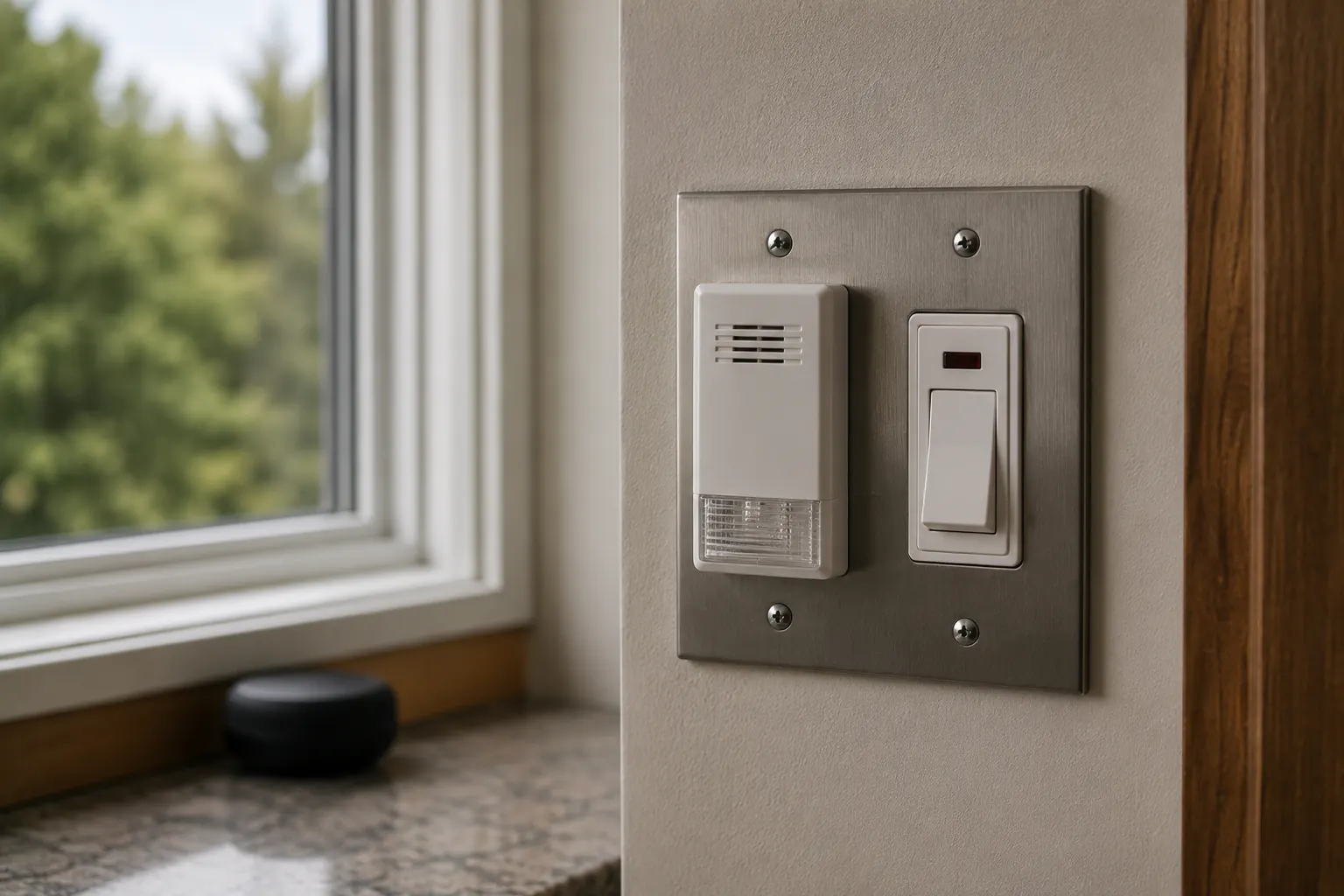
Build alert layers, not an alert pile
Choose one option from each layer, then write down who checks it and where the backup information lives.
| Layer | What it is for | Household preparation |
|---|---|---|
| Official local alerts | Local orders, closures, evacuation, shelter, utility, and public-safety instructions | Find the emergency-management, county, city, utility, school, building, and transit channels that apply to your address |
| Wireless Emergency Alerts | Fast geographically targeted alerts on compatible mobile devices | Check device alert settings with the person who uses the phone; do not assume every alert type or setting is identical |
| Weather and hazard information | Watches, warnings, forecasts, and evolving local weather | Save the local National Weather Service source and know how the household receives it when data is unavailable |
| Broadcast backup | Information when the phone or internet is unavailable | Identify a local broadcast station and test the radio or receiver where it will actually be used |
| Household relay | Reconnecting people who are separated | Use the written Family Communication Plan for a Power Outage and one agreed out-of-area contact |
Ready.gov describes public warning systems as multiple pathways, including Wireless Emergency Alerts, the Emergency Alert System, NOAA Weather Radio, and local alerting systems. Redundancy matters because the failure of one channel is not evidence that nothing is happening.
Start with the address, not the device
List the places that can need different alerts: home, workplace, school or child-care location, a caregiver’s location, a frequent travel route, and an out-of-area destination. Then identify which public authorities serve each place.
For home, write down the official local emergency-management source, the utility outage channel, local weather source, and building-management procedure if relevant. A renter can subscribe to public alerts without waiting for a landlord, but the building’s elevator, common-area, access, and shelter instructions may still be controlled by the manager or public authority.
For school, work, care, and transit, keep the institution’s official notification method alongside the public channels. Do not ask a child, patient, or employee to improvise a pickup plan based on a forwarded alert. The household plan should name who verifies the institution’s instruction and who sends the next update to the out-of-area contact.
Treat Wireless Emergency Alerts as one layer
Wireless Emergency Alerts are public-safety messages delivered to compatible mobile devices through participating wireless providers. They can be important because they may reach people quickly in an affected area, but the household should not rely on a particular sound, message length, language option, device setting, carrier behavior, or location precision without checking the device and provider documentation.
Open the phone’s emergency-alert settings during a calm moment with the person who uses it. Record only the practical result: whether alerts are enabled, how the phone signals, whether accessibility features change the signal, and who knows where the setting is. Do not disable a category because it feels inconvenient without understanding what it is for. Alert options and terminology vary by device and software version.
When an alert arrives, read the issuing authority, time, affected area, instruction, and any official reference it supplies. A screenshot without those details is not enough to direct a household. If the alert says to evacuate, shelter, avoid an area, or take immediate protective action, use the authority’s current instructions rather than waiting for a second channel to agree.
Add a radio path that you have actually checked
NOAA Weather Radio All Hazards is a broadcast service from National Weather Service offices. Many ordinary AM/FM radios do not receive it; a household that plans to use it needs a compatible receiver and needs to verify reception at the location where it will be kept. Coverage varies with terrain, building construction, transmitter coverage, and the receiver itself. The NOAA radio comparison walks through the receiver categories — which ones wake a sleeping household and which ones only inform an awake one.
If the receiver has location-based alert features such as SAME, use current official instructions for programming the household’s areas. Do not copy a county code from a random post or assume that an old setting follows the household after a move. Test reception and alert behavior in ordinary conditions, and record what worked, what did not, and what another channel will cover.
A weather radio is an alert path, not an evacuation authority, a two-way rescue device, or a guarantee that every local event will be broadcast. Keep the local emergency-management channel and the Power Outage Preparedness hub in the plan as well.
Make the internet fallback concrete
Store official pages and phone numbers before the event. Save the utility outage-reporting method, local emergency-management site, local weather office, school or workplace alert page, transit status page, and building contact. Write a short paper index that says what each one is for. A bookmark that only makes sense to the person who created it is not a household fallback.
Downloads can help when the household has a charged device but poor connectivity. They are not live instructions. A downloaded map, alert screenshot, evacuation route, or closure notice can become outdated quickly. Mark the time and source, then look for a current official update before acting when conditions permit.
Keep offline navigation and transportation details with the car-free backup transportation guide. That guide owns pickup, accessible transit, travel modes, and route stop rules; this page owns the alert system that tells the household when to check those plans.
Decide who checks, who relays, and who rests
Constant checking exhausts batteries and attention. Choose a primary information person and a backup, then set ordinary review times and event triggers. For example, the information person checks official channels after a warning, after a utility update, before travel, and at the agreed household check-in time. The backup takes over if the primary person is driving, caring for someone, sleeping, or unreachable.
Use one small relay format: source, time, instruction, household status, next check. A message such as County alert, 6:20 PM, stay off roads, everyone home, check again at 7 PM is more useful than forwarding ten screenshots. Send exact destinations, health details, access needs, and account information only to people who need them.
For a neighborhood group, distinguish between observation and instruction. “Tree across Oak Street at 6:10 PM” can be a useful observation if its source is known. “The county says everyone must leave” should not be repeated unless the official source and area are clear. The neighborhood check-in privacy guide covers those privacy and verification boundaries in more detail.
Protect power and access
Alert layers fail when the only charged phone is used for streaming, repeated refreshes, and long calls. Keep one phone available for official alerts and urgent communication, and use the Emergency Lighting plan rather than a phone screen as the household’s only light. The Backup Power for Home guide explains how to plan limited power around measured needs; it does not make a battery bank an assurance of continuing service.
Prepare a written access version for the household: large print, high contrast, plain language, a translated key message, a communication card, a caption or relay contact, or another format the person actually uses. Do not assume a loud tone, a visual banner, or a voice call works for everyone. Test the format with the person who needs it.
Run a short alert drill
Twice a year and after a move, new phone, new carrier, changed school or job, changed caregiver, or changed local authority, do this in calm conditions:
- Find the official local alert source without searching social media.
- Locate the written household communication plan.
- Confirm the out-of-area contact and relay format.
- Turn on the radio or receiver and check usable reception where it is stored.
- Confirm the power path for the primary communication device.
- Ask each person what they would do after receiving an official evacuation or shelter instruction.
Record the gap, not a score. A missing contact, inaccessible alert, weak reception, dead power bank, or unclear jurisdiction is a useful discovery before an incident. Fix one gap and repeat the check. In a live emergency, current official instructions control.
Sources reviewed
- Ready.gov: Know Your Alerts and Warnings; FEMA App
- Federal Communications Commission: Wireless Emergency Alerts consumer guidance
- National Weather Service: NOAA Weather Radio
- 911.gov: Frequently Asked Questions about calling and texting 911
Sources reviewed July 15, 2026. This page is a household planning guide, not a promise of alert delivery, a substitute for local authority, or emergency dispatch advice. Use current official alerts and emergency services for a live event.