
Choose one message you need to send and one official update you need to receive. Those are different jobs: a text may reconnect the family, while a broadcast radio may provide information but cannot send a reply. Write a backup for each job, rather than treating one device as the answer to every communication failure.
The useful question is not “Which channel is best?” It is “What job must this channel do, what can stop it, and what is the next path when it fails?” Build that answer before an emergency, with the people who will actually use it.
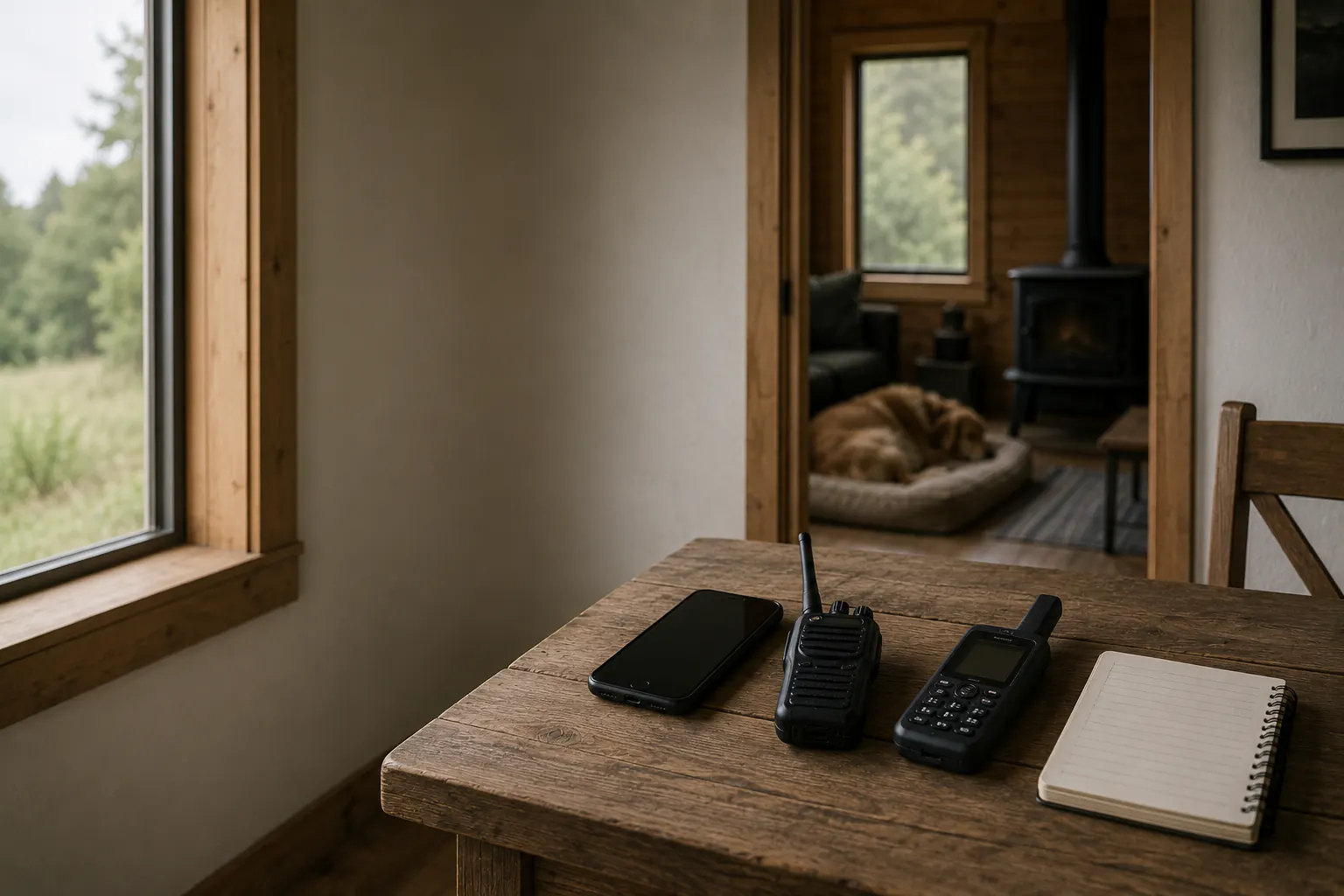
Give each channel one job
| Channel | Good household job | Important limit |
|---|---|---|
| Text message | Short status update to a known contact | Needs a working device, service path, correct number, and enough battery |
| Voice call | Direct conversation when a person needs clarification | Can be congested, unavailable, inaccessible, or too power-intensive for repeated attempts |
| Official broadcast radio | Receive weather and public-safety information | Usually one-way; reception and compatible equipment must be tested locally |
| Internet message or app | Share detail when connectivity exists | Depends on power, device access, account access, data or Wi-Fi, and the service itself |
| Satellite-enabled consumer feature | A device-specific last-resort option where supported | Not universal, not a substitute for 911, and subject to product, location, visibility, and service limits |
| Paper plan and in-person meeting point | Recover the plan when devices are unavailable | Needs prior agreement and a location that is safe and available |
The Family Communication Plan owns the names, meeting places, out-of-area contact, and message format. This guide helps the household select channels without mistaking them for guarantees.
Text first when it fits the situation
Ready.gov advises that a short text can be more useful than repeated calls when networks are congested. That does not mean every text arrives promptly or that a text is appropriate for every emergency. Use it for a compact, non-sensitive update to a known person: status, broad location, need, and next check-in.
Write messages before sending. Avoid continuous retries, large attachments, live video, or a group thread full of unrelated replies. A practical message is: SAFE / HOME / NO POWER / TEXT 8 PM. It tells the recipient what matters without publishing a route, medical detail, security condition, or property inventory.
Text is not a replacement for emergency dispatch. If there is an immediate threat and calling 911 is possible, call. Text-to-911 availability and instructions vary by jurisdiction. A generic preparedness page cannot tell a household whether its local emergency center can receive a text, where it should be sent, or how that service is operating during a specific event.
Use voice calls deliberately
A voice call can resolve confusion that a short message cannot: a caregiver needs to understand a plan, a child is separated, an accessible relay method is required, or an official service asks a follow-up question. Keep the call focused and let the household’s named caller handle the conversation when possible.
Do not treat a ringing phone, busy signal, voicemail, or disconnected call as proof of safety or danger. Network conditions, depleted batteries, muted settings, travel, caregiving, work rules, and damaged equipment can all explain a missed call. Use the escalation sequence written in the family plan: one retry at the agreed time, the out-of-area contact, then the service or authority that owns the concern.
For people who use captions, relay, TTY, video phone, large text, or another access method, record the preferred method and backup. A plan that works only for a hearing, speaking, sighted, charged, connected smartphone user is not a household plan.
Let radio receive information, not make promises
NOAA Weather Radio All Hazards can provide continuous weather and hazard information from National Weather Service offices, but it is not an ordinary two-way radio and it does not replace local orders. Many standard AM/FM radios do not receive NOAA Weather Radio. A household that intends to use it needs a compatible receiver and needs to test it in the room, apartment, vehicle, or shelter where it will be kept.
Reception varies. A receiver that works near a window may not work in an interior room; a setting that worked before a move may not fit the new location. Some models offer location-targeted alerts, but the household must verify current programming instructions rather than copying settings from a forum or another county.
Use radio to receive and verify official information. Do not assume it can call for help, confirm a loved one’s location, report a hazard, or carry an evacuation instruction for every event. Pair it with the local emergency alerts guide and a paper contact plan.
Treat internet tools as conditional
Messaging apps, email, maps, video calls, social platforms, utility portals, and school apps can be useful while they work. Their shared weakness is dependency: device charge, screen access, account recovery, data or Wi-Fi, service availability, and a person who remembers how to use them under stress.
Download only what the household can recognize offline: a map, short contact card, address, meeting-place note, or instructions for reaching official updates. Do not save a full password list in a group chat or assume a cloud document will be reachable. The offline credentials guide owns the boundary between recoverable information and sensitive account secrets.
Never rely on social media as the authority for an evacuation, shelter, closure, or safety decision. Use it only as a cue to find the current official source, time, area, and instruction.
Put satellite features in the last-resort column
Consumer satellite messaging and emergency features change quickly. They may work only on certain hardware, operating systems, carriers, plans, regions, languages, and conditions. They can require an unobstructed view of the sky, a charged device, an active setup process, and time for the device to establish a connection. Trees, buildings, terrain, weather, a damaged phone, and service limits can matter.
Before relying on one, read the current manufacturer and service documentation for the exact device and location. Test only the non-emergency setup or demonstration steps the provider explicitly allows. Do not send a false emergency message to test it. Record a fallback that does not depend on the feature.
Do not describe a satellite feature as “works when cell service is down” without its conditions. It may be useful in a narrow failure mode and unavailable in another. It does not replace official alert channels, local evacuation instructions, a charged phone, or a call to 911 when calling is available.
Match the channel to the person and place
For each household member, write the primary and backup way to receive an official alert, send a status update, and reach the agreed contact. Then ask what happens at home, school, work, a vehicle, a transit pickup point, an apartment lobby, and an out-of-area destination.
The car-free backup transportation guide owns travel, pickup, accessibility, and route decisions. Do not send someone toward a meeting place simply because a message did not arrive. Current hazards, public instructions, transportation status, and the household’s agreed stop rules control movement.
Keep the access version concrete: a printed contact card, large-print information, a translation, relay contact, charger compatible with the device, or a radio alert feature that the person can perceive. Ask the person who uses it whether it works. Assumptions about accessibility are not a backup plan.
Run a failure-focused drill
Once or twice a year, test one ordinary failure at a time:
- Put the home internet connection aside and find the official alert source another way.
- Send the agreed short text to the out-of-area contact.
- Try the preferred call or relay method.
- Turn on the radio where it is normally stored and confirm usable reception.
- Find the paper plan without using a phone.
- Check the actual charging path with the Backup Power for Home guide and the runtime calculator, without treating a calculated value as a service guarantee.
Record the failed dependency: wrong cable, inaccessible setting, dead power bank, no radio reception, outdated contact, unclear location, or a feature not supported by the device. Fix the specific gap. The goal is a calmer next decision, not a perfect communication system.
Sources reviewed
- Ready.gov: Family Emergency Communication Planning
- Federal Communications Commission: Wireless Emergency Alerts consumer guidance
- National Weather Service: NOAA Weather Radio
- 911.gov: Frequently Asked Questions about calling and texting 911
Sources reviewed July 15, 2026. This page is planning guidance, not a guarantee of delivery, device compatibility, satellite availability, or emergency-service access. Current device, carrier, and emergency-service instructions control actual use.