
Here is the surprise that catches people in an outage: your phone’s GPS keeps working when the cell network is down — but the map it draws on usually streams from the internet, so a dead signal leaves you with a blue dot on a blank screen. The fix takes five minutes and has to be done before you need it. This is one branch of the offline emergency information plan.
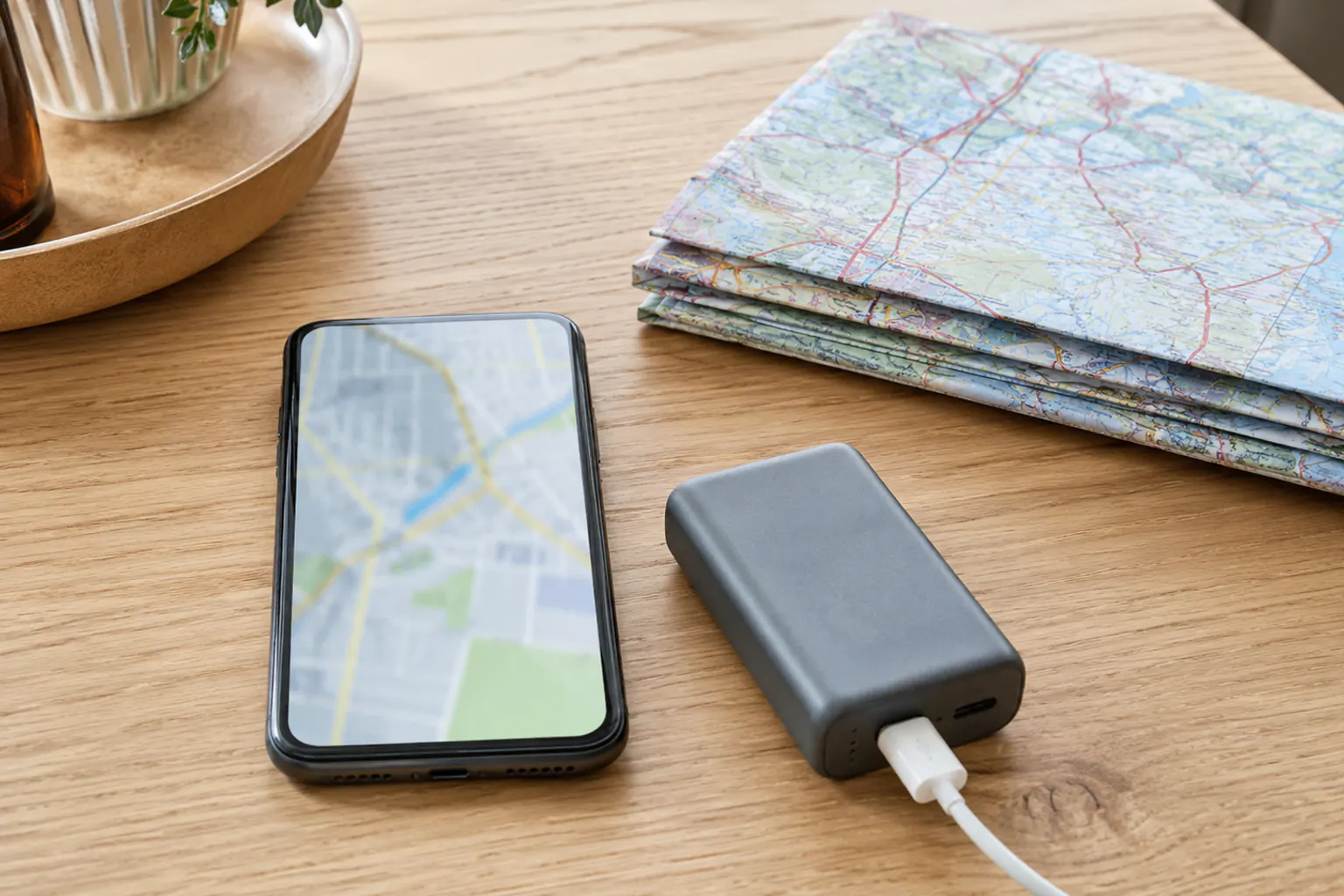
Why GPS works but the map doesn’t
GPS location comes from satellites, not the cell network, so your phone can usually still tell where it is with no signal. The map imagery, road data, and search, though, are normally downloaded on demand. When the network is gone — an outage, a disaster, a dead zone — you need the map data already saved on the device. (Source: FCC/CISA emergency communications.)
Save offline maps in advance
Both major map apps let you download a region for offline use ahead of time:
- Google Maps: search a place or region, open its info, and choose “Download offline map,” then adjust the area box to cover your region. Downloaded maps expire and update, so refresh them periodically.
- Apple Maps: newer versions support downloading an area for offline use from your profile or a location’s menu.
- Dedicated offline apps (built for hiking or overlanding) store detailed topographic maps offline and are worth it for rural or backcountry travel.
Download your home region plus likely evacuation destinations and routes before hurricane season or a trip — not while the storm is arriving and the network is straining.
What offline maps can and cannot do
Offline maps are genuinely useful, but know the limits:
- They can show the map, your GPS position, and often basic driving directions with no signal.
- They cannot show live traffic, real-time closures, or the newest road changes — the data is only as fresh as your last download.
- They will not warn you about a flooded or closed road. An app routing you across water is wrong; the turn around, don’t drown rule beats any suggested route.
- They still drain the battery. Pair them with a charging plan and backup power.
Why paper still earns its place
A phone can break, drown, run out of charge, or fail to have downloaded the right area. A paper map has none of those failure modes, which is why the offline information plan keeps one. And knowing how to use a paper map and compass — covered in map, compass, and landmark navigation basics — is the skill that works when every device is dead. Offline phone maps and paper maps fail differently, which is exactly why you want both.
The five-minute setup
- Download your home region and any regular destinations in your map app now.
- Download evacuation-destination areas and routes before a known threat.
- Set a reminder to refresh the downloads every so often.
- Keep a paper map of your area and evacuation region as the no-battery backup — see evacuation planning.
- Test it by turning on airplane mode and confirming the map and your location still show.
Do it once, calmly, and navigation becomes one less thing that fails when the signal does. Keeping information usable through an outage is the wider job of the power outage preparedness hub.
Sources reviewed
- Ready.gov
- Cybersecurity and Infrastructure Security Agency: Emergency communications
- Federal Communications Commission: Emergency communications
- Ready.gov: Evacuation
Sources reviewed July 29, 2026. Official routes, emergency instructions, and current app behavior control real navigation decisions; treat any app as a backup, not an authority.